


Nik Collection 6by DxO
8 Premium Plugins
for Photoshop and Lightroom Classic
to Supercharge Your Photos
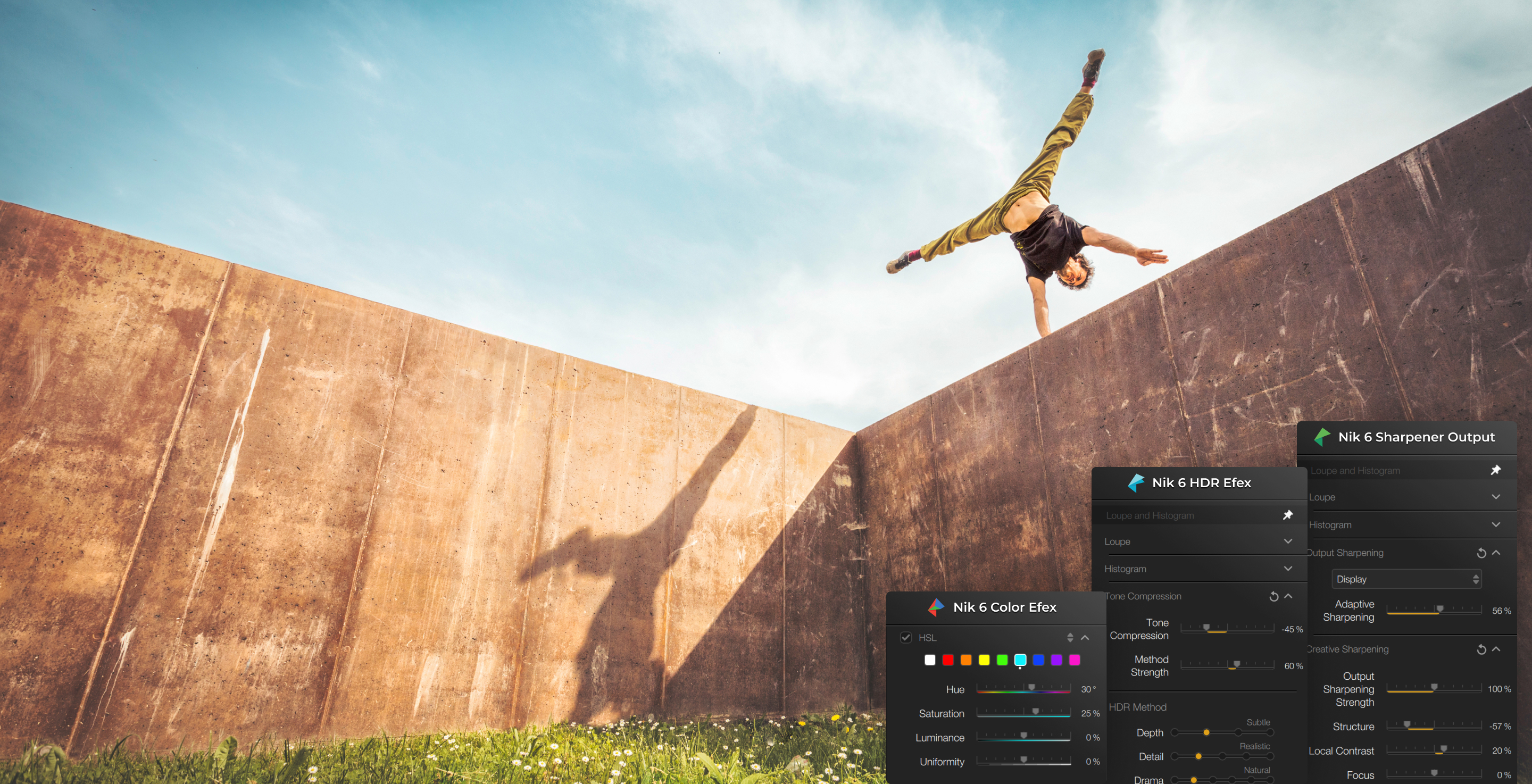
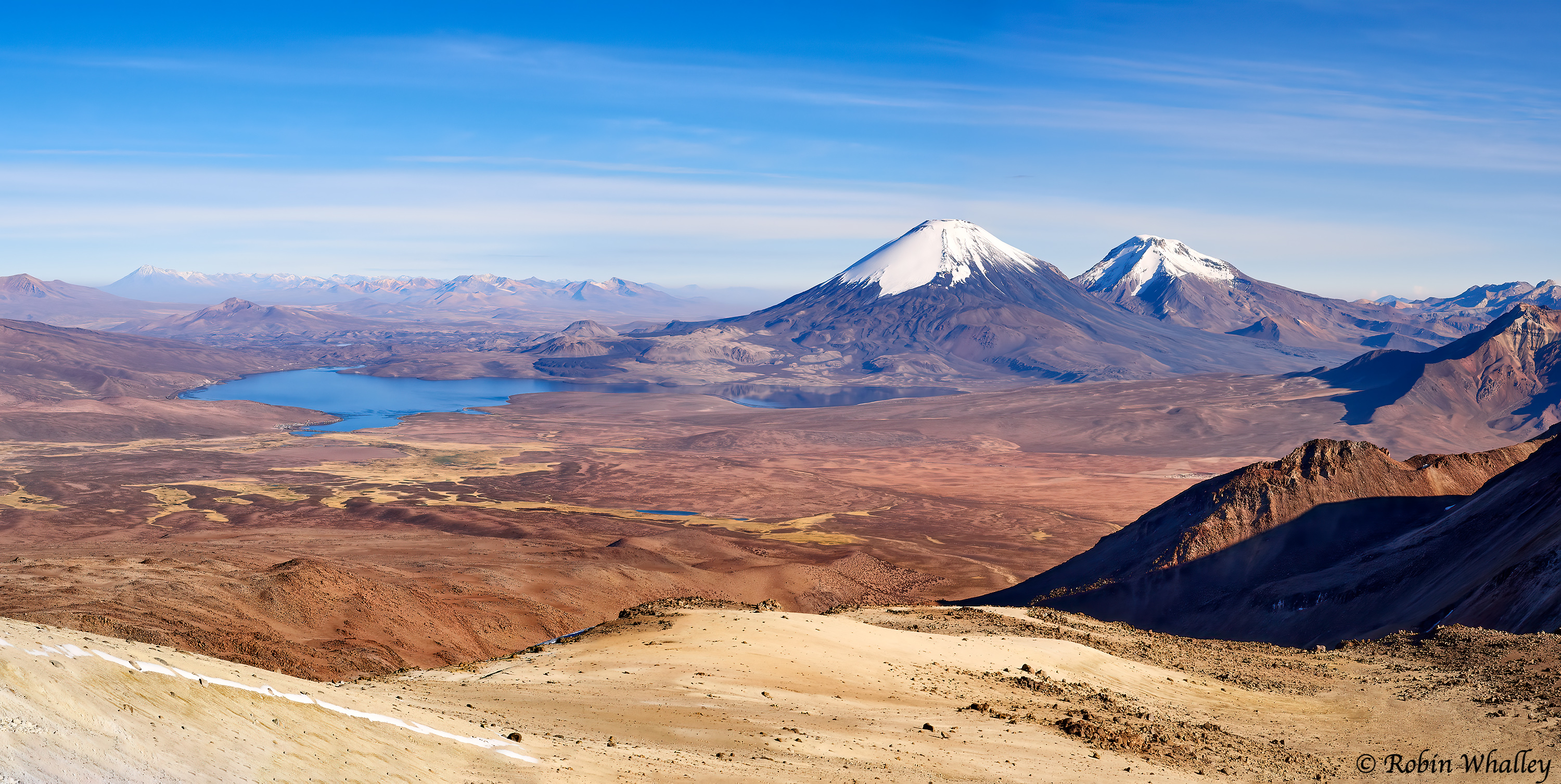
- Camera: Canon EOS 6D
- Lens: Canon EF 16-35mm f2.8
- Parameters: ISO 250 - 1/800s - f/6,3 - 18mm
- Adobe Lightroom
- Nik Color Efex

Nik Collection 6by DxO
8 Premium Plugins
for Photoshop and Lightroom Classic
to Supercharge Your Photos
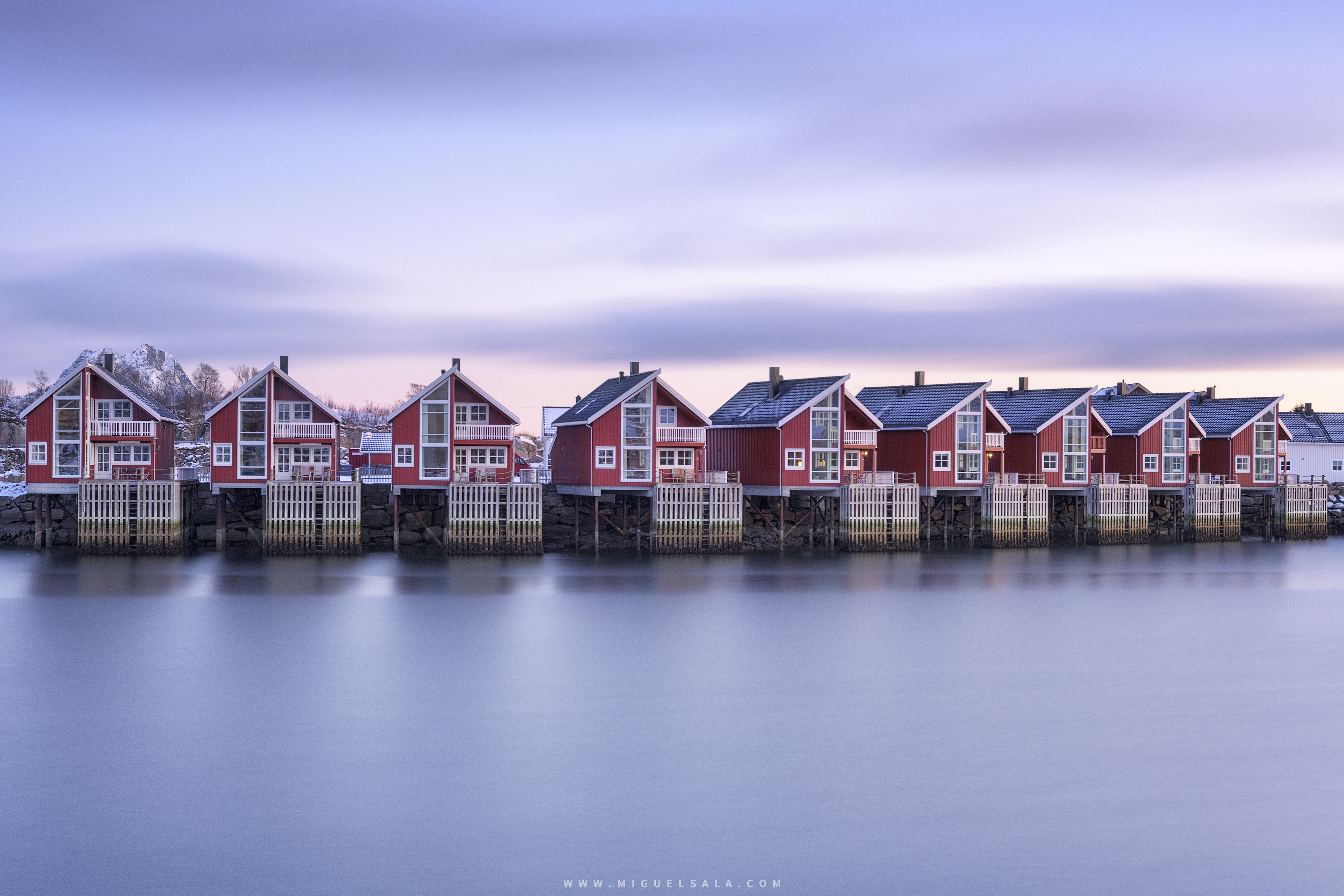
- Camera: Canon EOS 6D
- Lens: Canon EF 16-35mm f2.8
- Parameters: ISO 250 - 1/800s - f/6,3 - 18mm
- Adobe Lightroom
- Nik Color Efex
7 reasons why you will love Nik Collection

Fully refreshed by DxO
Every plugin has been lovingly rebuilt by the DxO team for unity, performance, and stability.

Primed for creativity
Endless filters, effects, and premium presets to unlock your artistic potential

Perfect integration
8 powerful plugins you can use straight from Photoshop or Lightroom Classic

Empowering artists for more than 25 years
Delivering ease of use, a friendly interface, and quick results since 1995

U Point™ technology for total control
Refine with precision using intuitive tools for local adjustments

Powerful technical solutions
Remove noise, fix geometry, sharpen photos, blend HDR images, and more

Professional results in seconds
Add stunning effects in a flash or dive deeper for absolute mastery
Discover what each plugin
can do for you


Nik Silver Efex
Darkroom-inspired controls for the ultimate in black-and-white photo editing

Harmonize intense highlights and shadows for photos with a gorgeous dynamic range

Nik Analog Efex
Dive into history and discover endless analog effects to give your photos a vintage feel

Nik Perspective
Fix perspectives and distortion for geometric perfection or creative effect


NIK COLLECTION 6 just got even better!
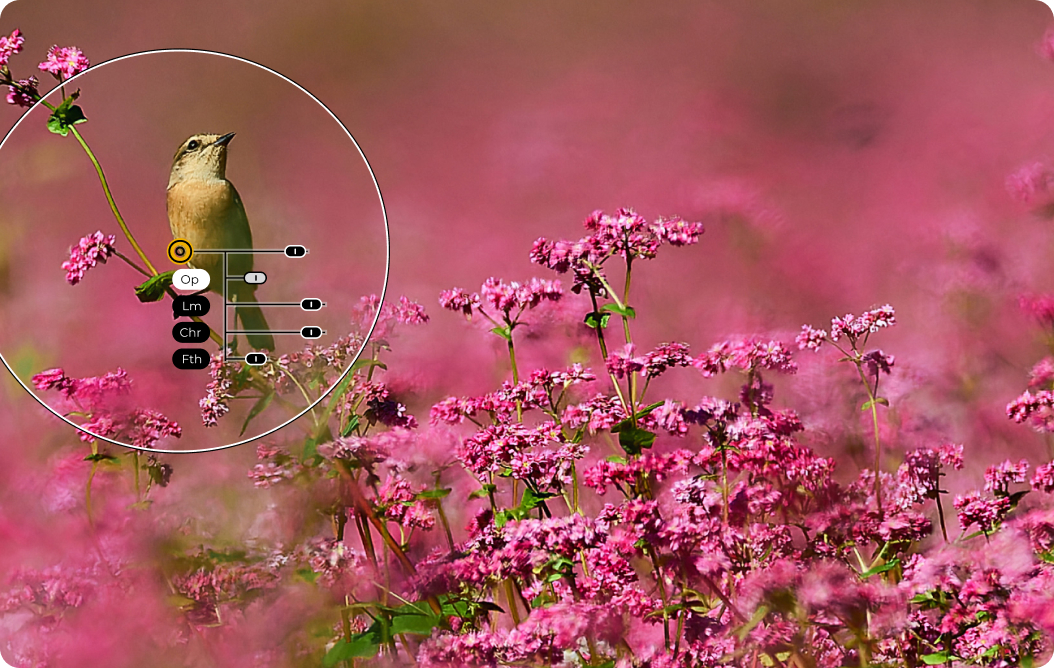
- Camera: Olympus OM-1
- Lens: 300mm f/4 + MC-14
- Parameters: ISO 250 - 1/2500s - f/5,6 - 420mm
- DxO PureRAW
- Nik Color Efex – Nik Sharpener
Nik Sharpener
Nik Sharpener has a

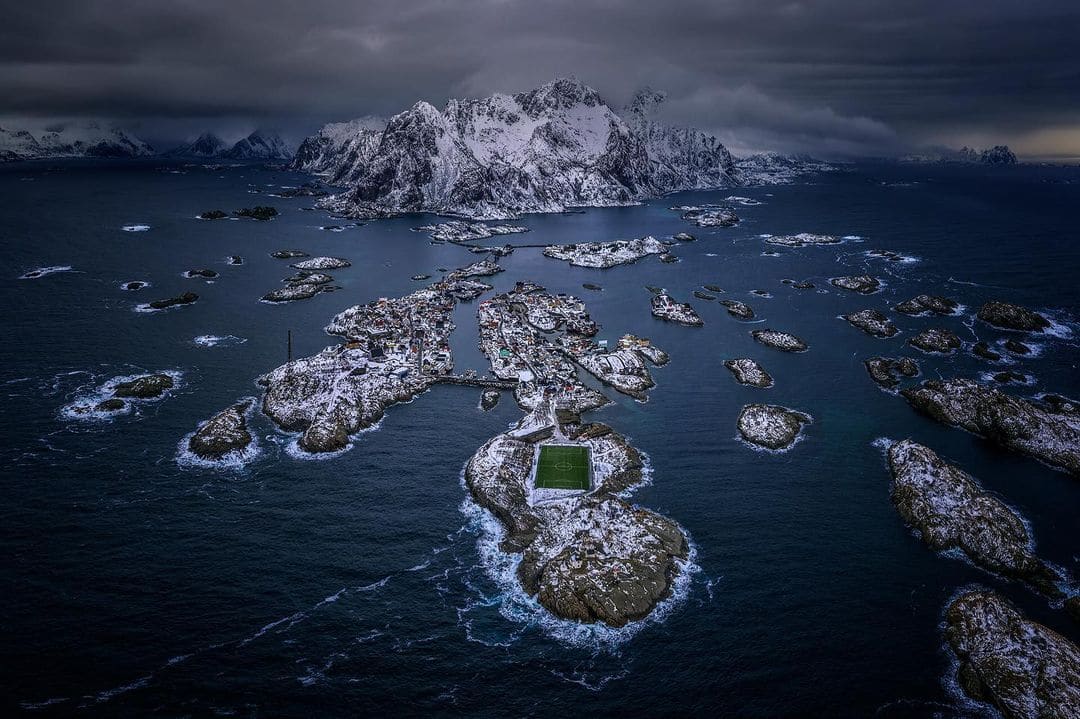
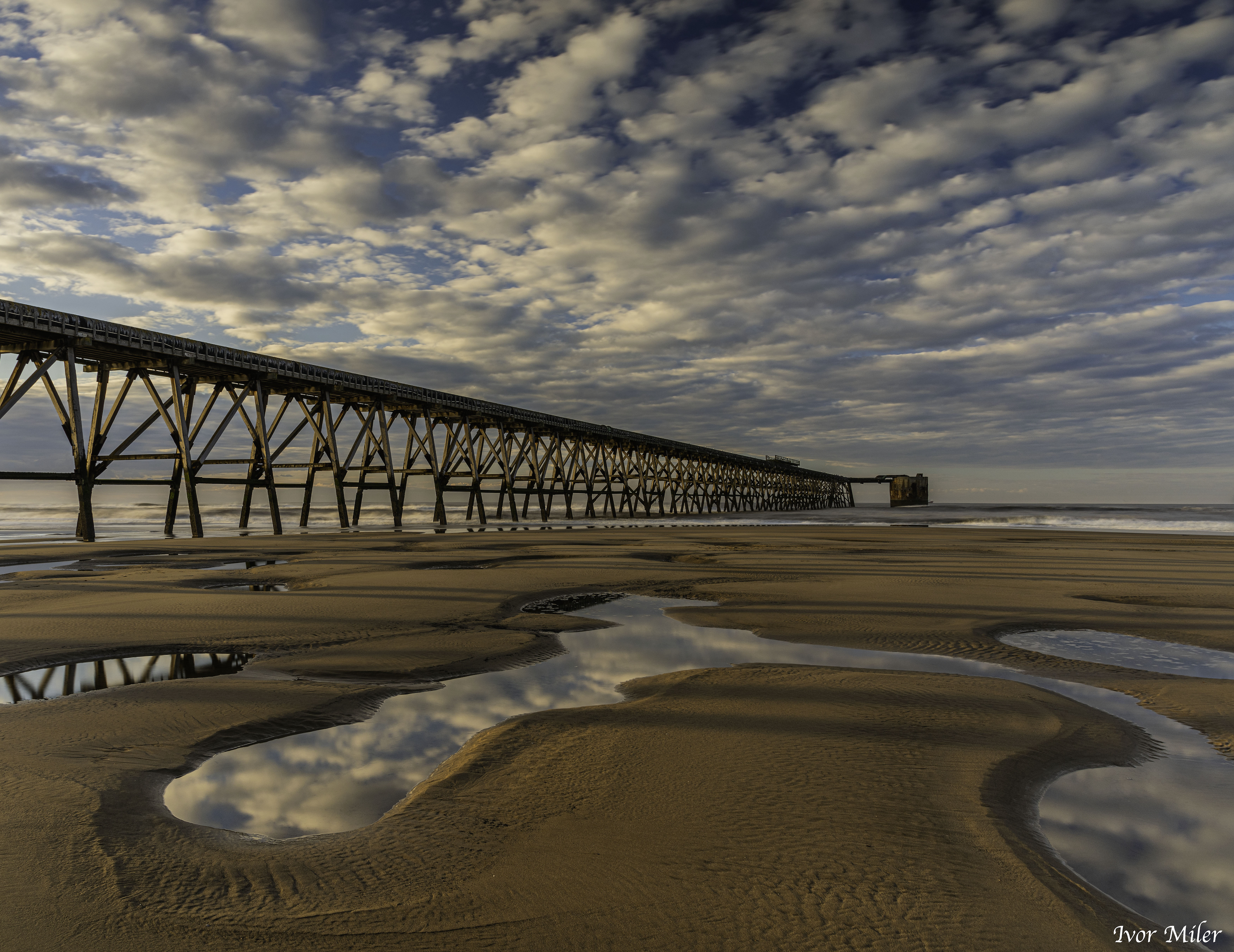
- Camera: DJI Mini 3 Pro
- Lens: DJI Mini 3 Pro Lens
- Parameters: ISO 100 - 1/2500s - f/1.7 - 24mm
- Adobe Lightroom
- Nik HDR Efex
Nik HDR Efex
Nik HDR Efex has also been
Discover what’s new in
Nik Collection 6
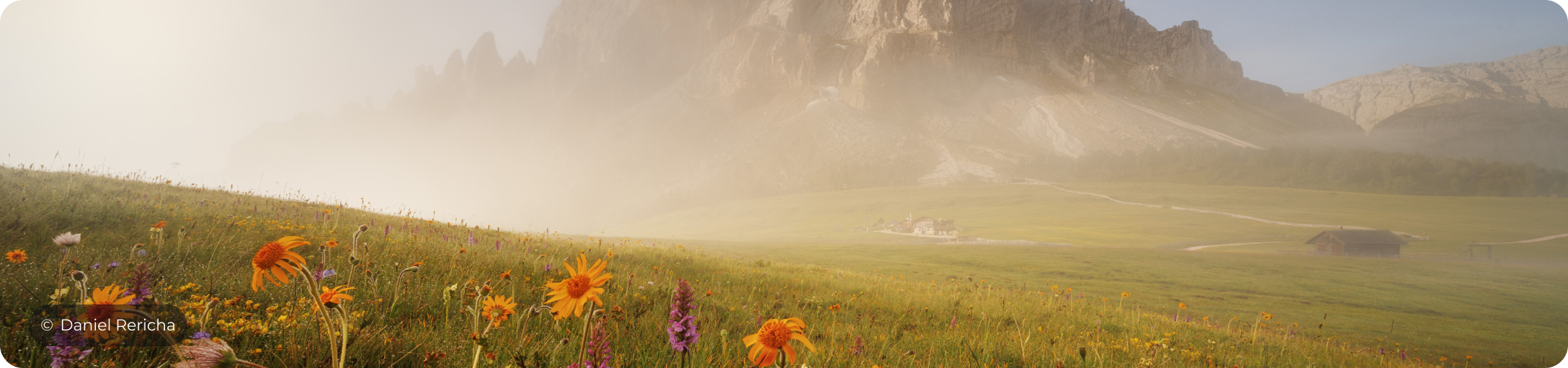
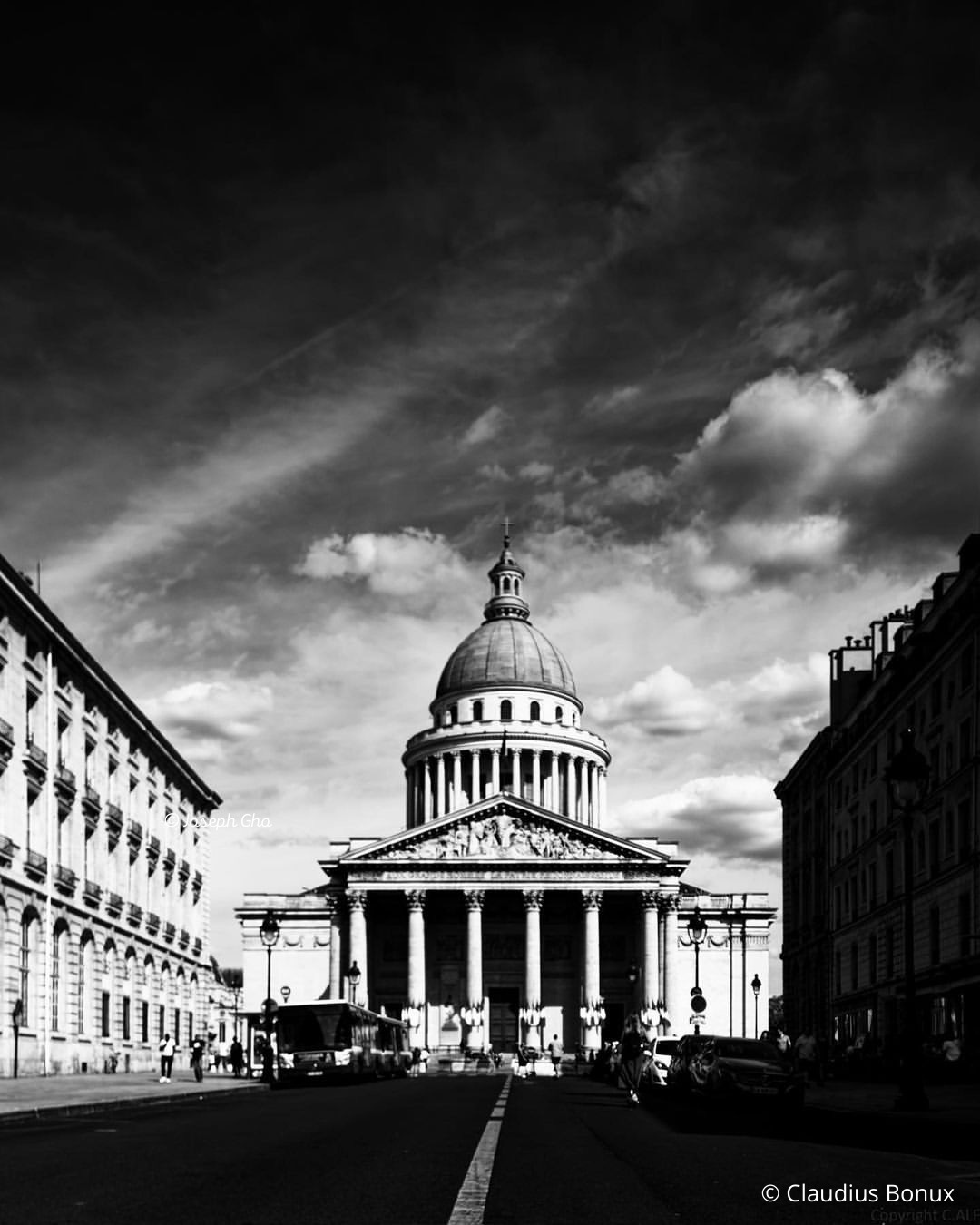
- Camera: Canon EOS R5
- Lens: 12 mm f/2,8
- Parameters: ISO 200 - 1/30 s - f/16 - 12mm
- Adobe Lightroom
- Nik Viveza
Follow us on Instagram
@nikcollection_official



Nik Collection6
8 Premium Plugins for Photoshop and Lightroom Classic
to Supercharge Your Photos